First, the obvious.

Since test automation is programming, you need to know the basics (more if possible) of a programming language such as Java.
And you need to know the basics of the Selenium WebDriver framework.
But this is not sufficient for getting an automation job.
In an interview, you have to convince other people that you know how different things work in Selenium and Java.
For example,
You still need more for that new automation job.

You need 500 hours of practicing Selenium and Java.
The number of hours is different from person to person.
Some people may need less, others more.
But it is essential that you put the time in for the practice.
Why so many hours?
Because companies will put you to test.

There are 2 types of tests that you may have to do:
1. JAVA coding test
This test happens before the face-to-face interview and is a condition for it.
It is usually done online on a site like codility.com and it can last around 1 hour.
You are given a problem and have to write code that solves it.
EXAMPLE
2. SELENIUM automation test
After the face-to-face interview, if the interview went well, you may be asked to do the automation exercise.
This test is about automating a scenario for a site.
You may get 1 day or more to do it.
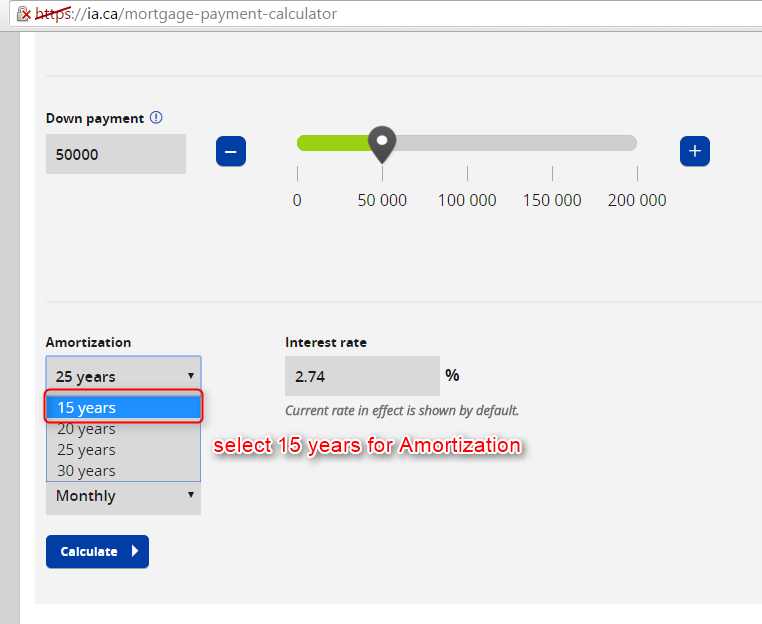
EXAMPLE
Going back to the 500 hours practice.
It is very difficult to do well at these exercises if you are not already proficient with Java and Selenium.
Because the time for doing the exercises is limited.
And your solutions have to be very good to get the job.

Since test automation is programming, you need to know the basics (more if possible) of a programming language such as Java.
And you need to know the basics of the Selenium WebDriver framework.
But this is not sufficient for getting an automation job.
In an interview, you have to convince other people that you know how different things work in Selenium and Java.
For example,
- what is boxing in Java?
- what is the difference between method overwriting and overriding?
- what is the page object model?
- what are the fastest locators?
You still need more for that new automation job.

You need 500 hours of practicing Selenium and Java.
The number of hours is different from person to person.
Some people may need less, others more.
But it is essential that you put the time in for the practice.
Why so many hours?
Because companies will put you to test.

There are 2 types of tests that you may have to do:
1. JAVA coding test
This test happens before the face-to-face interview and is a condition for it.
It is usually done online on a site like codility.com and it can last around 1 hour.
You are given a problem and have to write code that solves it.
EXAMPLE
2. SELENIUM automation test
After the face-to-face interview, if the interview went well, you may be asked to do the automation exercise.
This test is about automating a scenario for a site.
You may get 1 day or more to do it.
EXAMPLE
Going back to the 500 hours practice.
It is very difficult to do well at these exercises if you are not already proficient with Java and Selenium.
Because the time for doing the exercises is limited.
And your solutions have to be very good to get the job.